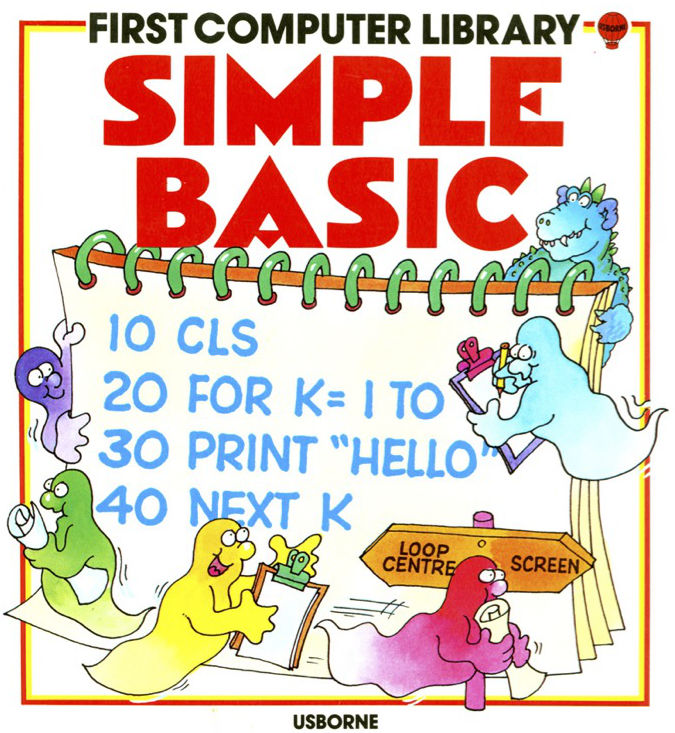
We’re going to learn how to program using the programming language that I learned to program with: BASIC. And we’re going to use materials from the beautiful Usborne books that I learned from!
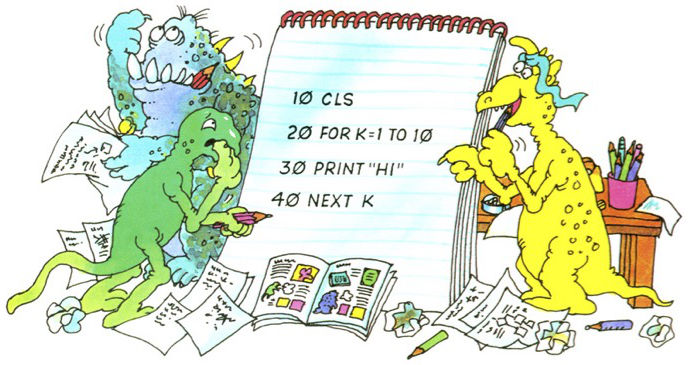
To make a computer do things you need to give it instructions in a language it understands. BASIC, the language which most home computers used in the 1980’s, is quite like English, with some special words and symbols.
If you give a computer instructions in ordinary English it will not understand what you mean.
Giving a computer instructions is called programming and a list of instructions is called a program. Below you can see what a program in BASIC looks like.
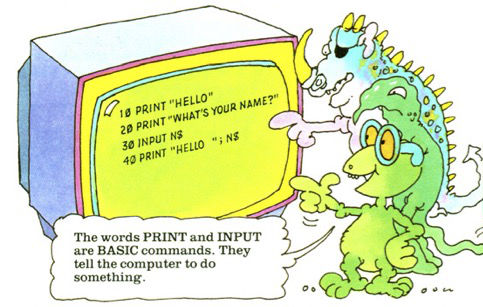
On the right-hand side of the screen is your computer. You use this computer with the keyboard. It doesn’t use a mouse!
To make the computer display a word on the screen, you
type PRINT, followed by the word inside quotes. Type carefully, as mistakes will
confuse the computer.
Try typing the line below into the computer and then to make the computer carry out the command, press the RETURN key.
PRINT "HELLO"
When you press RETURN, the computer puts the word on the screen. Try using PRINT to make your computer display other words and phrases!
To clear the screen we type the CLS command.
Try typing that into the computer now to clear the screen.